Beyond the Virtual Tour: Ways to Reuse Your 360° Property Photos
You already shot the panoramas. Turn them into marketing videos — no reshoot required.
Most agents capture 360° photos for one purpose — the virtual tour — then let them sit. The same equirectangular files can become videos for social, ads, email, and your website. Our server renders MP4 and WebM directly from those photos.
Start for Free6 ways to reuse your 360° photos
Instagram Reels & TikTok
Vertical 9:16 walkthrough clips that put your listing in front of scrolling buyers.
YouTube property tours
A 16:9 video tour for your channel and the listing page.
Paid social ads
Short, attention-grabbing videos for Facebook and Instagram ad campaigns.
Email marketing
A quick video clip or thumbnail to brighten up your listing emails and newsletters.
Website & landing pages
A looping hero video of the property for your site, playable on any browser.
Agent brand content
Build your personal brand with a steady stream of property video posts.
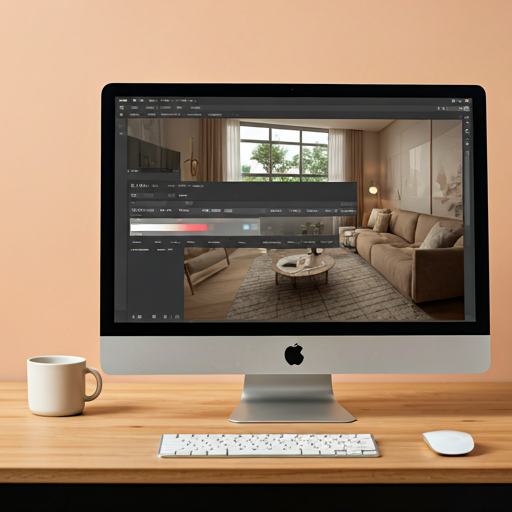
All from the photos you already have
Upload the same equirectangular 360° photos you used for your tour, set the camera motion and overlays on the timeline, and export — no new site visit, no filming.
-
check
No reshoot or extra equipment
Use any standard equirectangular JPG or PNG from Insta360, Ricoh Theta, GoPro MAX, or DJI Osmo 360.
-
check
Add motion, text, and your logo
Personalize frames with text callouts and image overlays like your logo.
-
check
Export MP4 or WebM, sized per platform
Choose 9:16, 1:1, or 16:9 presets. Paid plans add higher-resolution exports.
How to repurpose a 360° photo into video
Three steps from panorama to share-ready video.
Upload your 360° photo
Drag and drop your equirectangular JPG or PNG files.
Set the path & overlays
Set the camera path and add text or logo overlays on the timeline.
Pick a preset & export
Our server renders the video; download your MP4 or WebM when it is ready.
Frequently Asked Questions
Do I need the original 360° photo, or just the tour link?
Will this replace my virtual tour?
How much does it cost?
Put Your 360° Photo Library to Work
Stop letting old property photos collect dust. Turn them into marketing videos you can post anywhere.
Get Started FreeNo credit card required